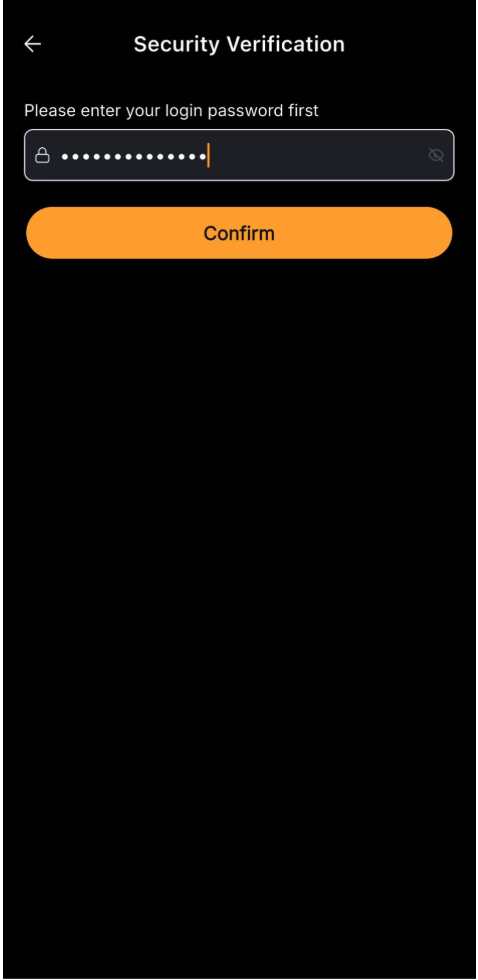
App Lock is a security feature in the Bybit app designed to provide an additional layer of protection. Once enabled, App Lock requires a pattern unlock or Face ID verification before the app can be accessed.
This feature helps safeguard your account, personal information, trading activities, and funds, even if someone gains access to your device. Here’s a step-by-step guide on how to enable App Lock in the Bybit app.
Set App Lock
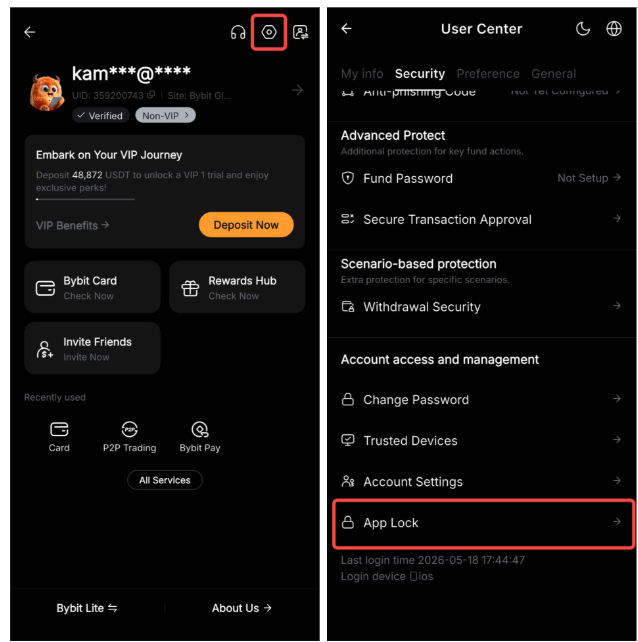
Step 1: Log in to your Bybit App. Tap on your profile icon, open Settings from the top right, navigate to the Security section, and select App Lock.
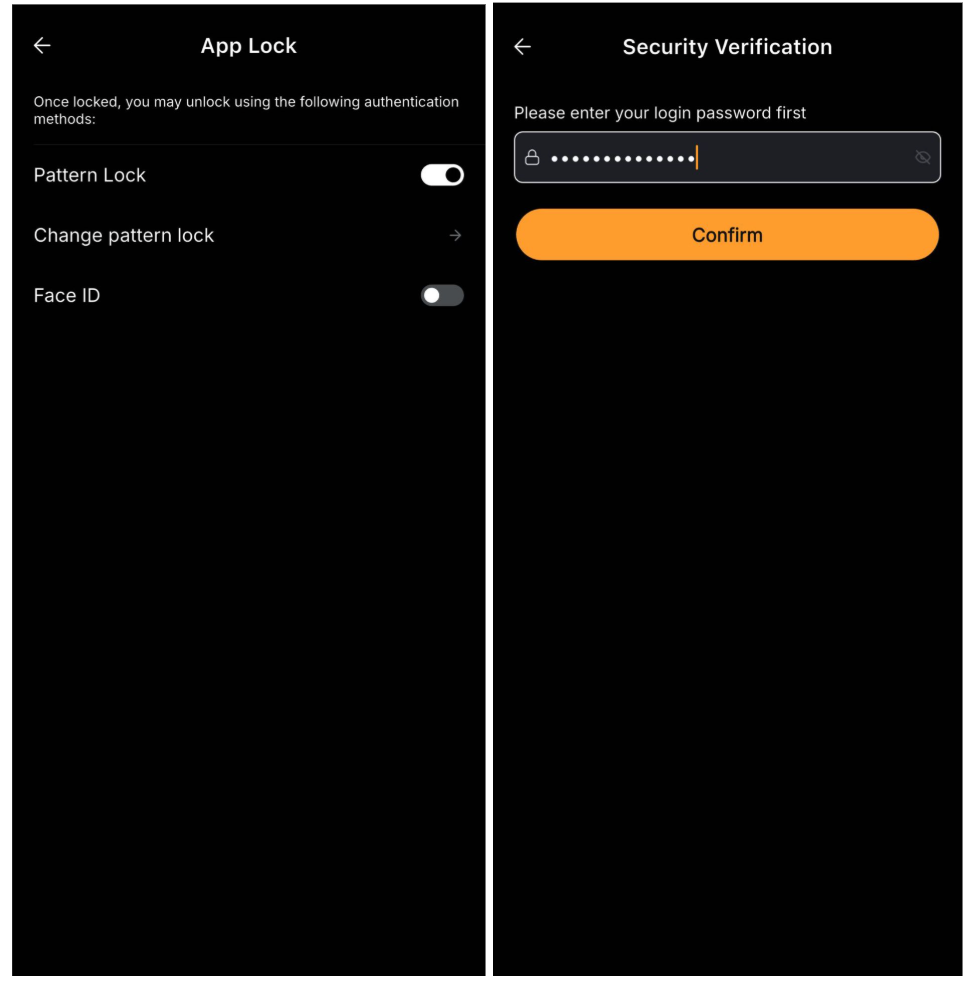
Step 2: Select your preferred App Lock method (Pattern Lock or Face ID), then complete the required security verification to enable App Lock.
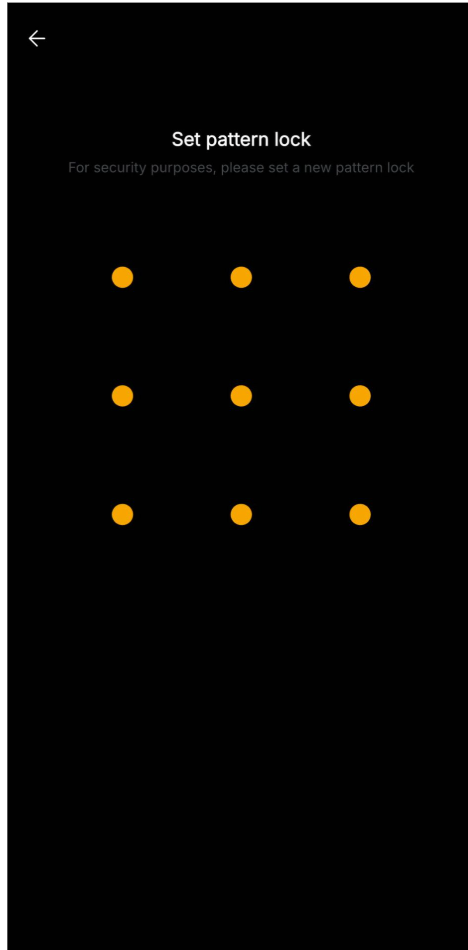
Note: If you choose Pattern Lock, you'll be prompted to create and confirm your preferred unlock pattern before App Lock is activated.
Modify or Delete App Lock
Step 1: Tap Disable to turn off App Lock, or tap Change Pattern Lock to update your existing pattern.
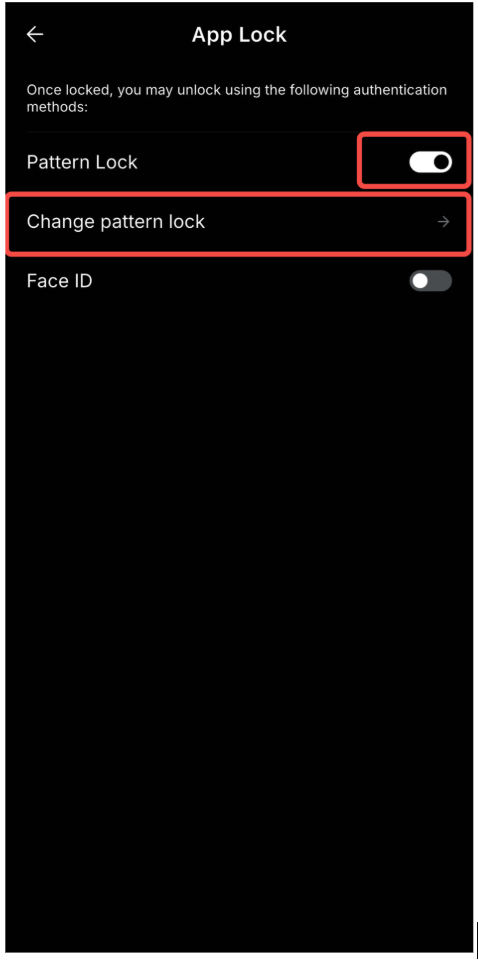
Step 2: Complete the required security verification to confirm your action.