Bybit CFD allows users to trade in more than 300 trading pairs, including Metals, Stocks, Indices, Forex and Commodities directly from the Bybit platform via MT5 CFD Account.
A Contract for Difference (CFD) is a derivative product without expiration date that allows you to speculate on the price movements of an underlying asset without owning the asset itself. Instead, your profit or loss is determined by the difference between the opening and closing prices of your position.
Key Features
- Multiple Asset Classes — Trade a wide range of global markets, including U.S. stock CFDs, forex, indices, and commodities, through a single MT5 CFD account.
- Go Long or Short — Open long (buy) or short (sell) positions to potentially profit from both rising and falling markets.
- Leverage — Use leverage to increase your market exposure with a smaller initial margin. As leverage magnifies both potential profits and losses, it should be used responsibly.
- Flexible Trading Hours — Access markets across multiple sessions, with trading hours varying by asset class.
- No Ownership of the Underlying Asset — CFDs allow you to speculate on price movements without owning the underlying asset. For U.S. stock CFDs, shareholder rights do not apply, although dividend adjustments may still be made where applicable.
Account Modes
Bybit offers two trading account mode settings for CFD, with each designed to support different trading styles, experience levels, and cost preferences. These CFD account modes are as follows:
a. Zero-Fee Mode (Default Setting)
Developed using the Straight Through Processing (STP) transaction model, this default account mode enables traders to access stable spreads with no separate commissions. All fees have been included in the trades.
b. Tight-Spread Mode (Requires manual switch)
This trading mode is designed based on the Electronic Communication Network (ECN) transaction model. It offers deeper liquidity and a narrower spread on a fixed commission per lot. To access this trading mode, users must meet certain asset requirements.
Please refer to the following for the difference between the two account modes:
Note: In CFD, price movements are commonly measured in points, where 1 point represents the smallest price movement based on the product’s quote precision. For most Forex pairs quoted to 5 decimal places, 1 pip = 10 points. For example, a move from 1.10000 to 1.10010 equals 1 pip, or 10 points. However, the exact pip value may vary depending on the product’s quotation format.
In summary, Tight-Spread mode offers traders raw spreads with a fixed commission per trade, whereas Zero-Fee mode is designed for all-inclusive spreads with no additional commissions charged.
To learn how to switch between account modes, please refer to How to Get Started With an MT5 CFD Account.
Types of Contracts Available
At the moment, Bybit CFD supports:
- More than 60 Forex Contracts,
- More than 20 Indices Contracts,
- More than 150 US Stock CFDs Contracts,
- 6 Gold and Silver contracts,
- 2 Oil contracts,
- 13 Commodities contracts.
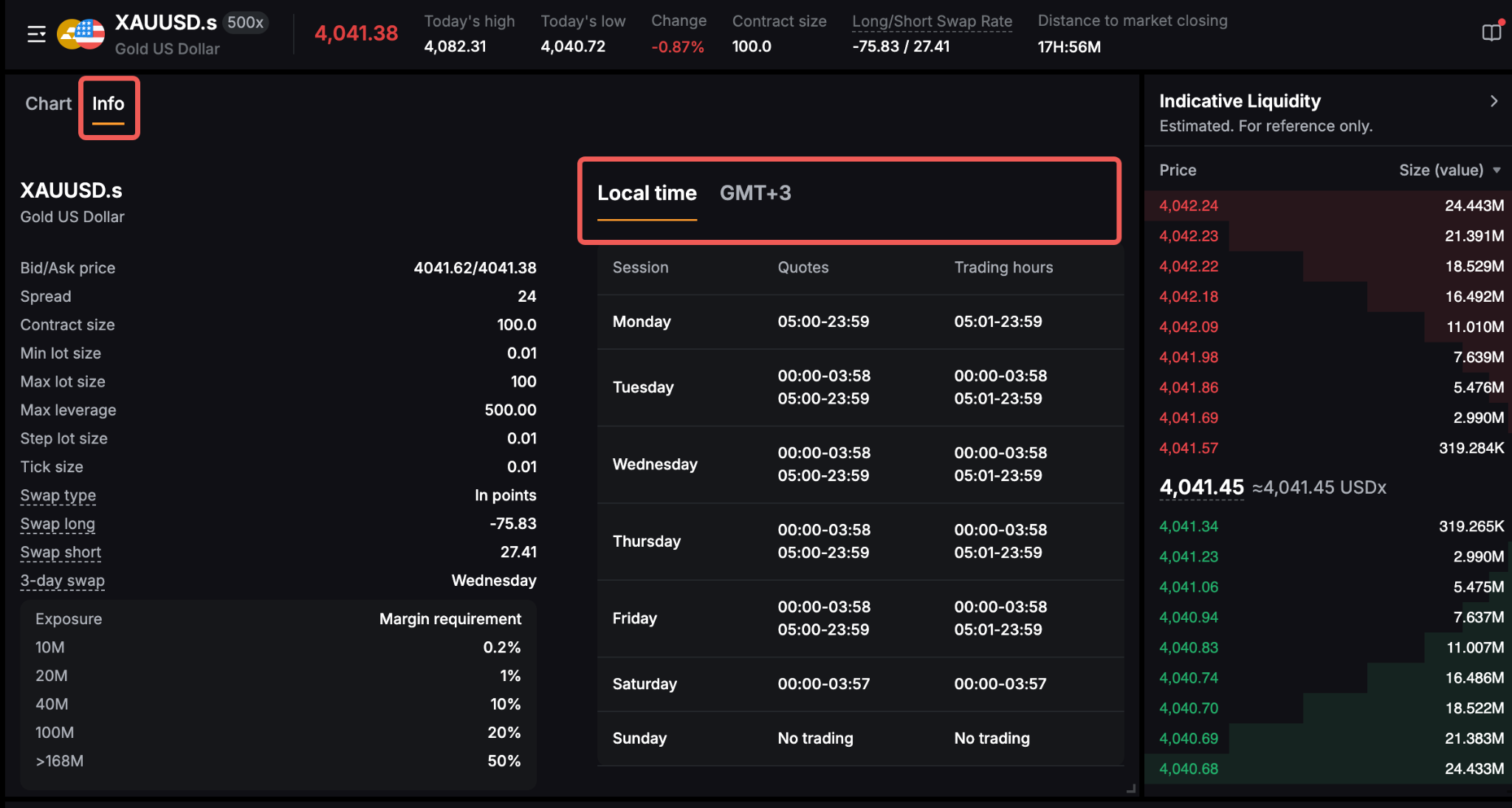
For detailed information about each contract, please refer to here to learn how to view the contract details.
Extended Trading Hours
Bybit CFD offers extended trading sessions beyond traditional market hours for select asset classes. This means you can trade outside of the regular cash session — including pre-market, post-market, and overnight windows — depending on the product.
Benefits
- React to market events in real time — Major earnings reports, economic data releases, and geopolitical events often occur outside regular trading hours. Extended sessions allow you to respond immediately rather than waiting for the market to reopen.
- Greater flexibility — Ideal for traders in different time zones who may not be able to trade during the standard session of the underlying market.
- Manage overnight risk — Close or adjust positions at any time instead of being locked in until the next session opens.
Risks
- Lower liquidity — Fewer participants during off-peak hours may result in wider spreads, partial fills, or difficulty exiting at your desired price.
- Higher volatility — Price swings can be more pronounced with less market depth to absorb large orders.
- Margin considerations — During volatile conditions, margin requirements may fluctuate. Consider using smaller position sizes and stop-loss orders to manage risk.
Trading hours vary by asset class. Please refer to Trading Hours & Sessions for the specific schedule applicable to each product.