How to Complete GoPlus Tasks for Bybit Web3 Airdrop Arcade
AI Summary
Show More
Quickly grasp the article's content and gauge market sentiment in just 30 seconds!
In this tutorial, we’ll explore how you can complete a series of tasks in GoPlus for Bybit’s Web3 Airdrop Arcade.
Task: Install GoPlus Extension and Perform a Security Check on Your Wallet
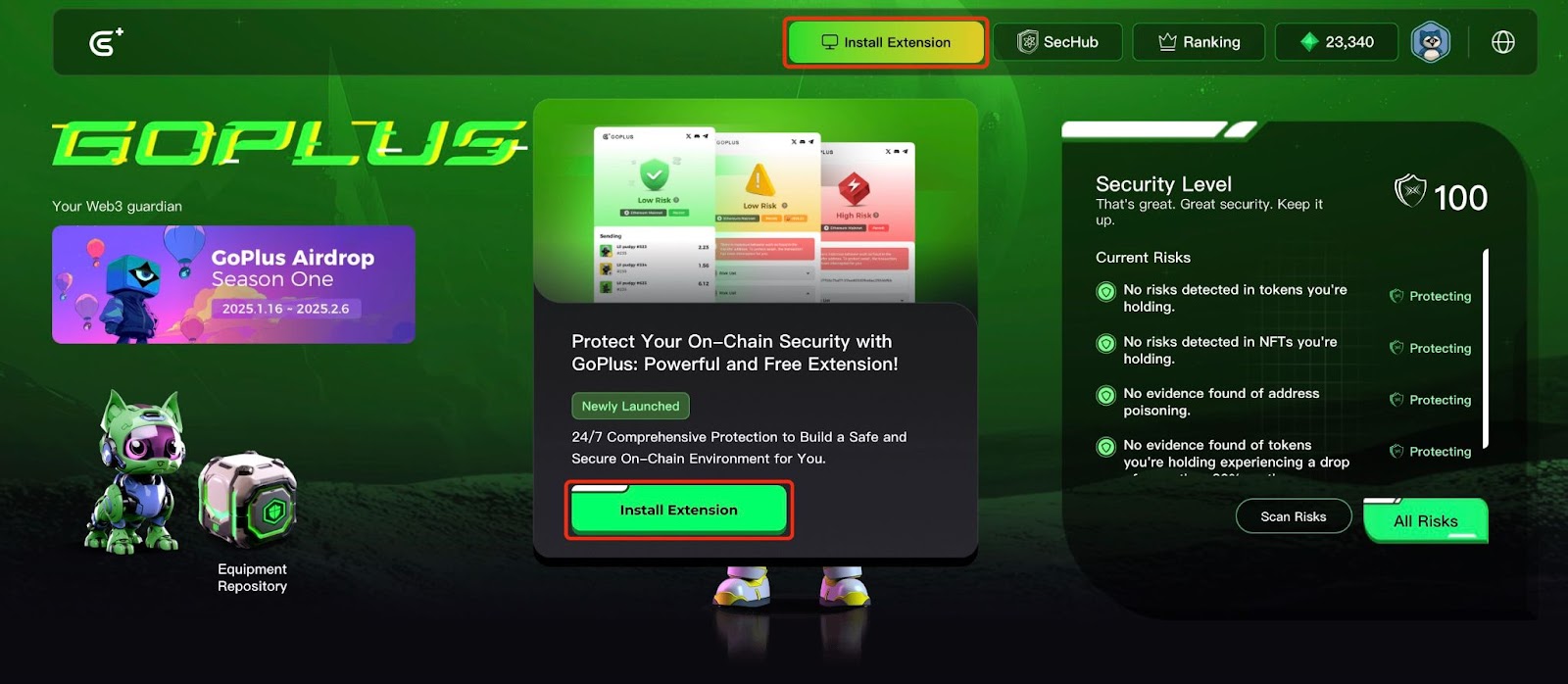
Step 1: Navigate to the GoPlus App page and click on Install Extension to get the GoPlus extension from the Chrome Web Store.
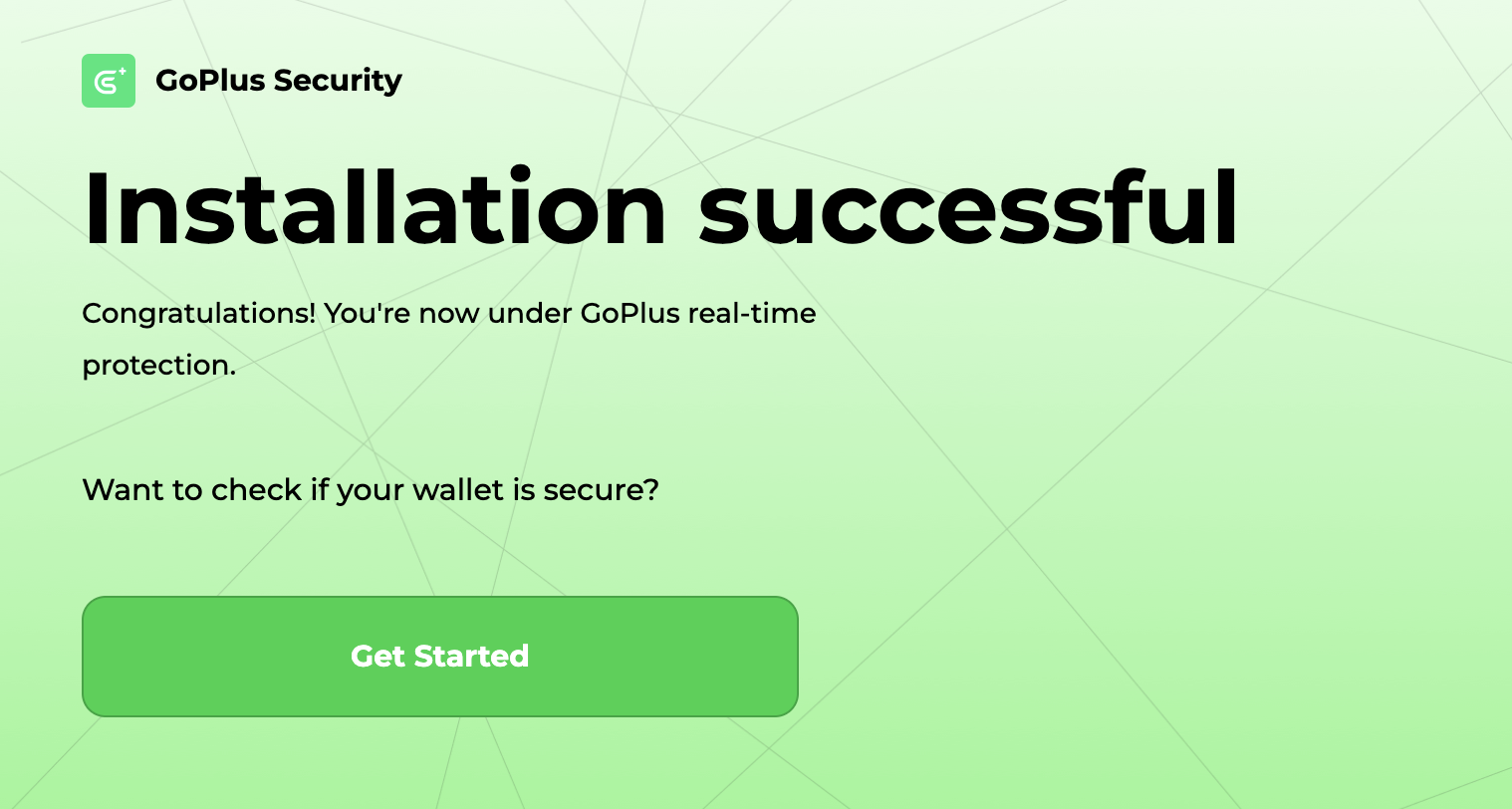
Step 2: Once you’ve installed the GoPlus extension, click on Get Started for instant wallet protection and secure trading.
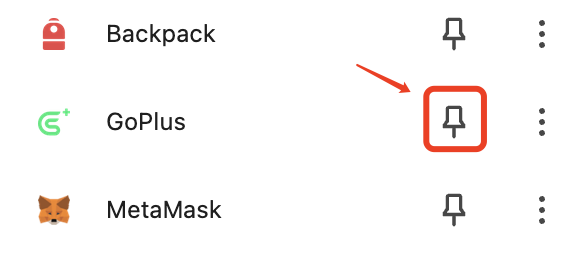
Step 3: For ease of use, you may choose to keep your GoPlus extension visible on your browser. To do so, click on the Extensions jigsaw puzzle icon, then click on the corresponding icon of the GoPlus extension.
Step 4: Click on Connect Wallet to link your wallet on the official GoPlus site.
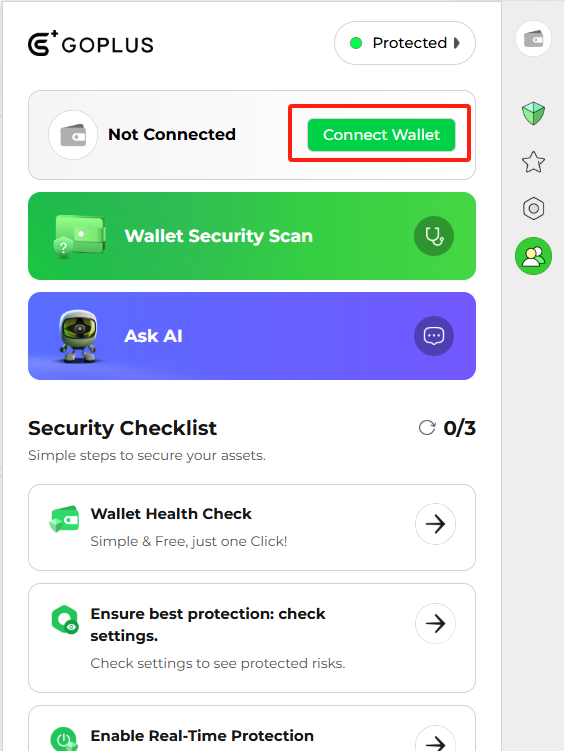
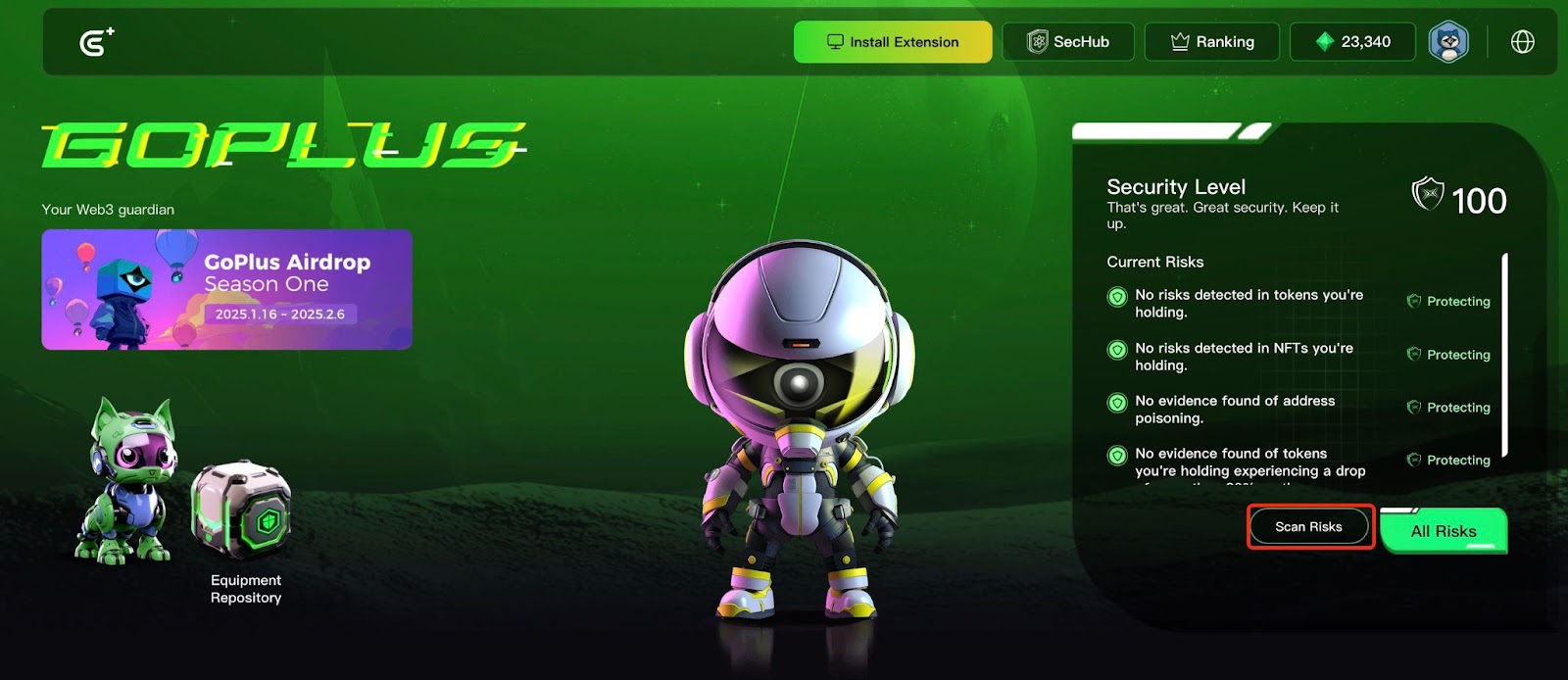
Step 5: Click on Scan Risks to perform a security check on your wallet. Once you’ve completed the scan, you may return to the Bybit Web3 Airdrop Arcade campaign page.
#LearnWithBybit
Grab Up to 100 USDT in Rewards
Also, enjoy 555% APR on Bybit Earn products!